
Transaction Request Approvals
The Transaction Request Approvals page displays all payment requests made via the Student Transactions page using the “Make Payment” button.
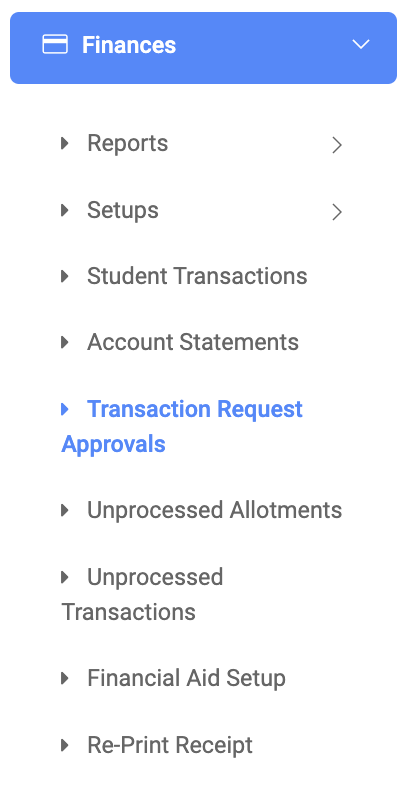
✑ From the OSIS sidebar, Click on the Transaction Request Approval link under Finance.
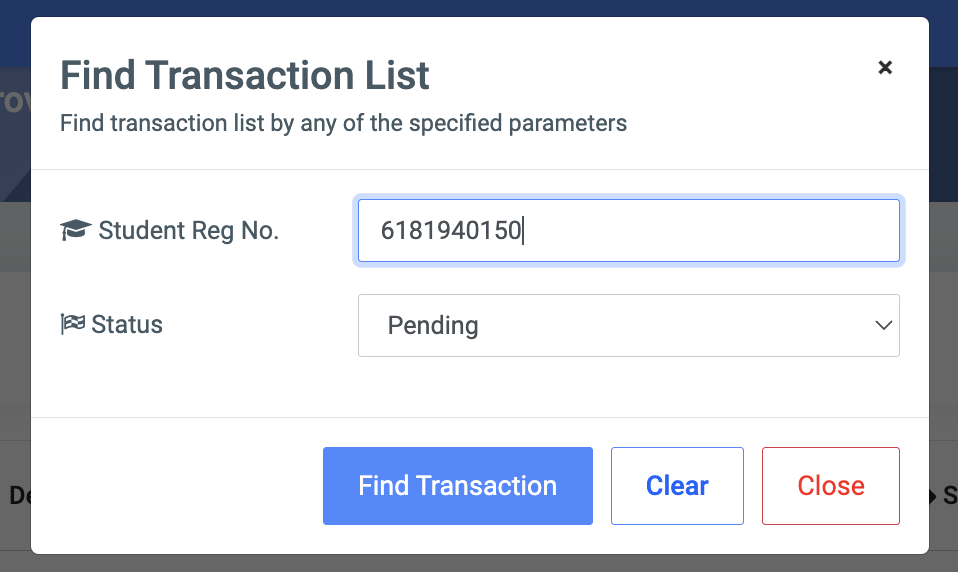
From the top right of the Transaction Request Approval page, there is a button, the Find Transaction Request button to find a specific request.

✑ To find a specific payment request, Enter the student’s index number in the search box and or select the status of the request.
The payment request approval detail page displays the following;
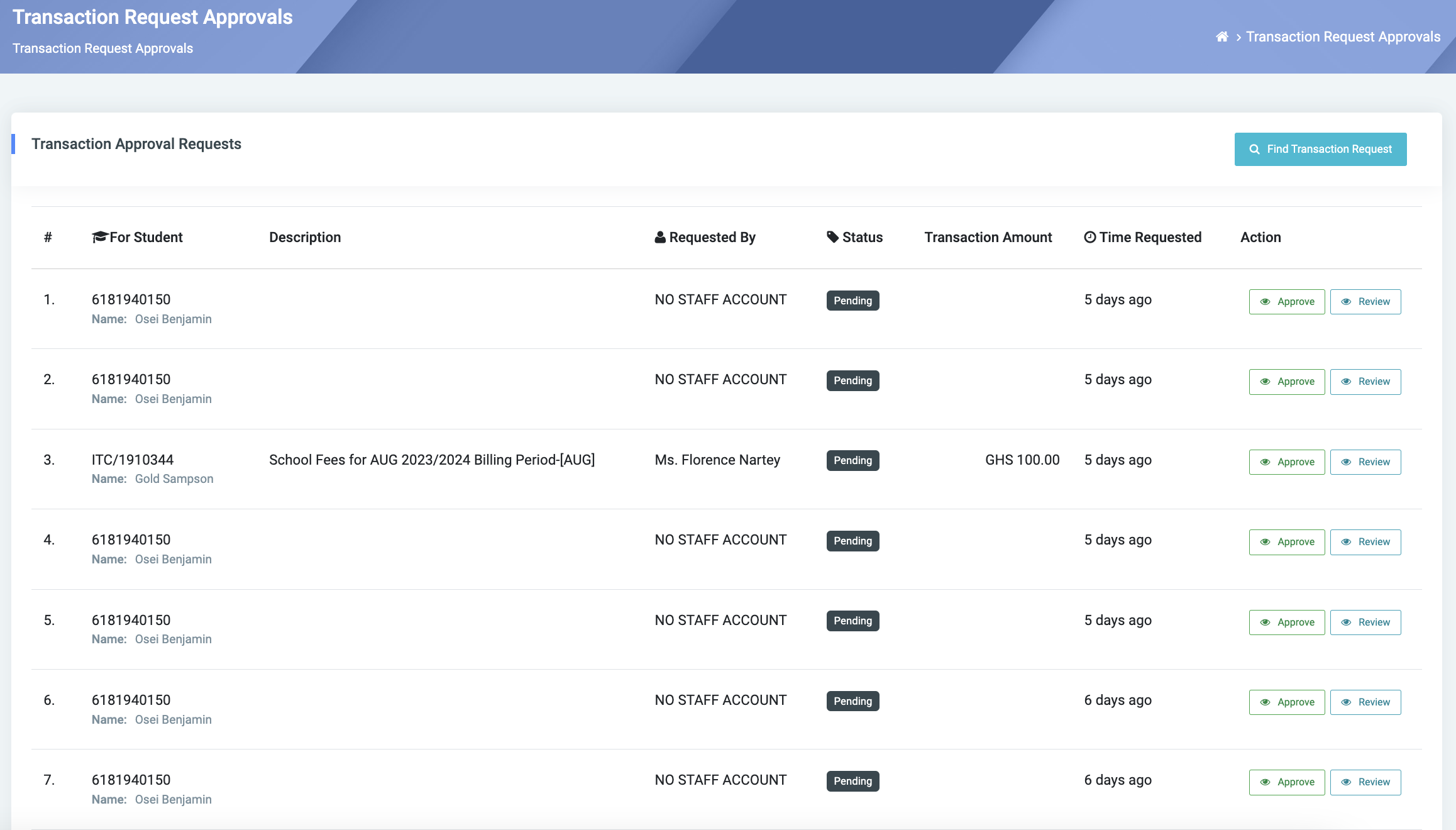
- the for student,
- description,
- requested by,
- status,
- transaction amount,
- time requested,
- action.
✑ To approve a request, click on the Approve button.
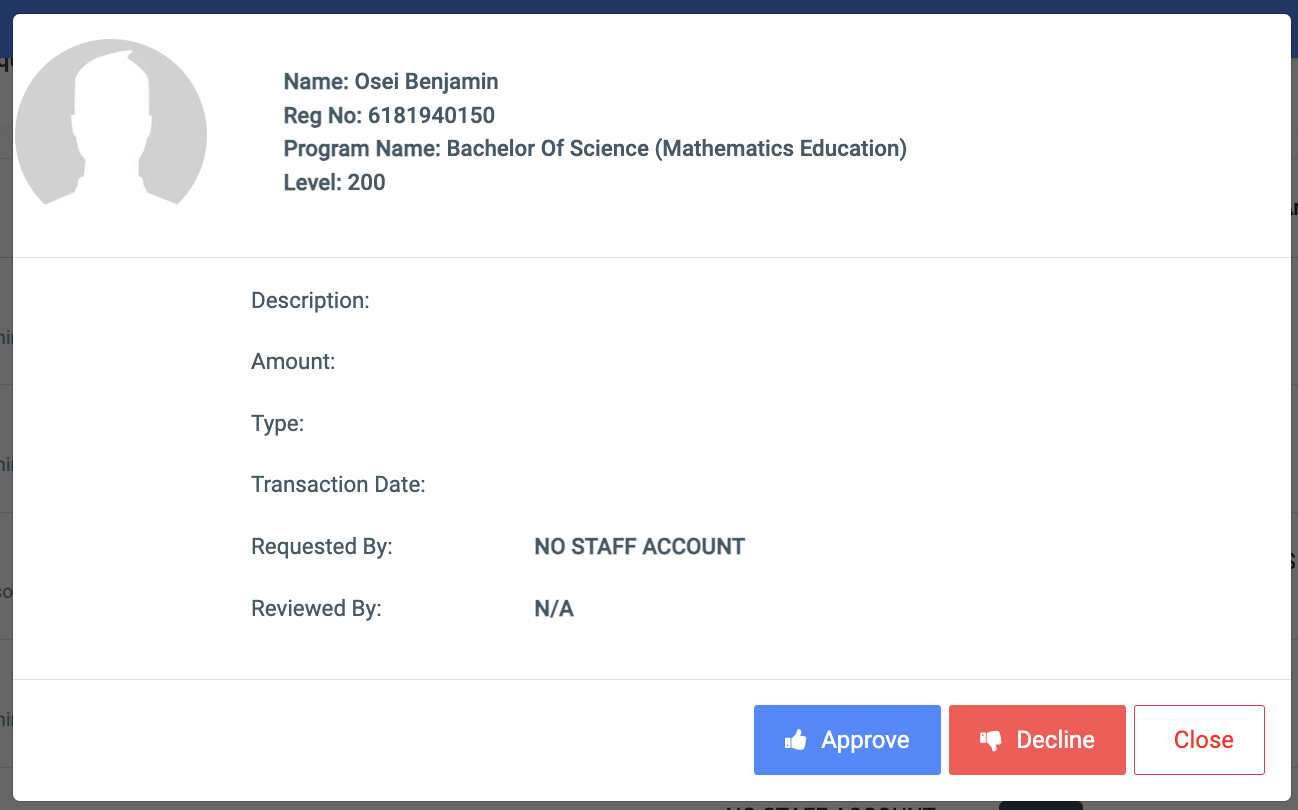
✑ To decline a request, click on the Decline button.
✑ To review a student’s transaction, click on the Review button.
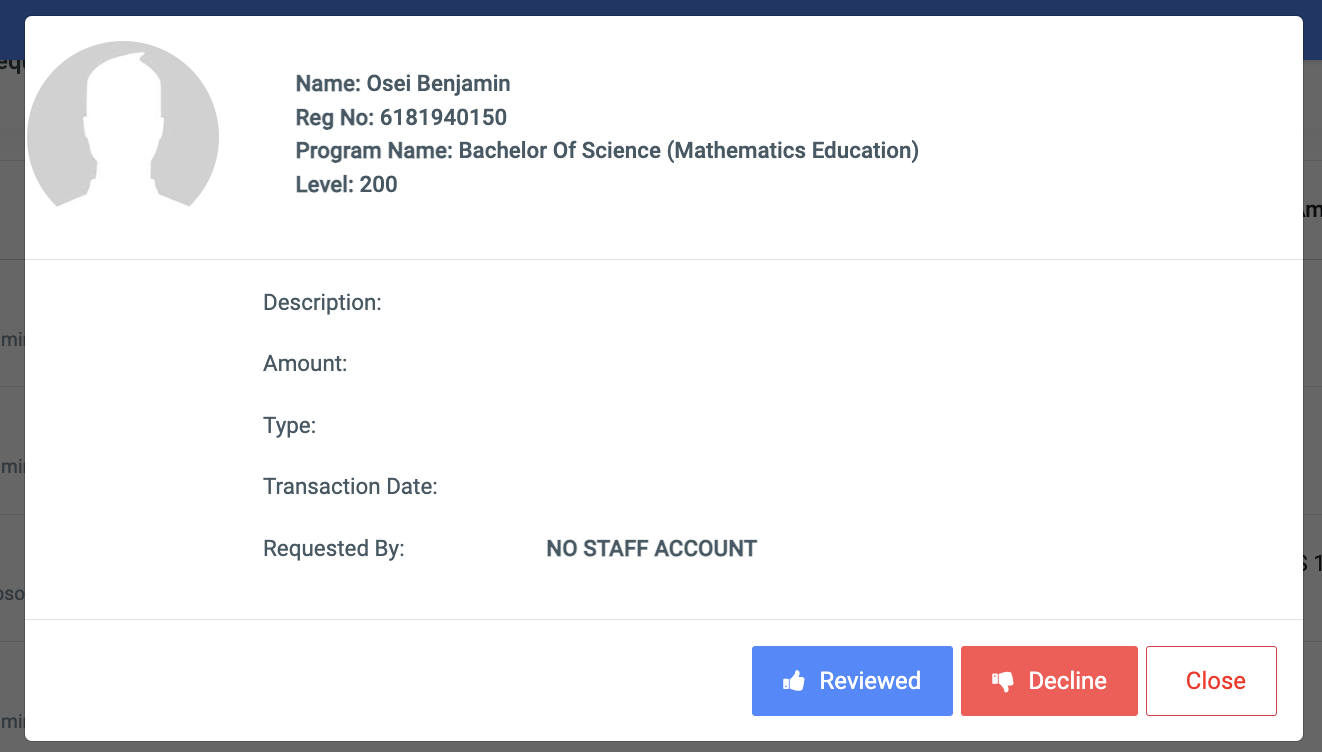
✑ To decline a review request, click on the Decline button.