
Manage streams
A Stream is simply the period within the day, week, month, or year where a particular program runs.
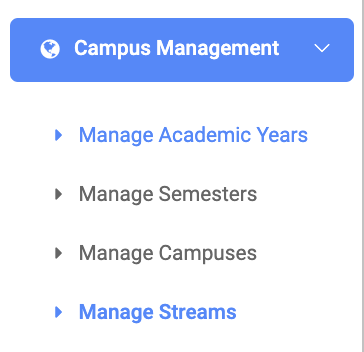
✑ From the OSIS sidebar, Click on the Manage Streams link under Campus Management.
From the top right of the Manage streams page, there is an Add Stream button.

✑ Click on the Add Stream button to add new streams or periods of time to OSIS.
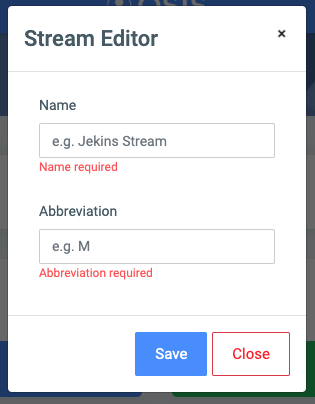
On the Stream Editor form, the are two fields namely:
- Name: the name of the stream. Eg. Mornings
- Abbreviation: the short form of the stream name. Eg. M for Morning, A for Afternoon.
For each added stream, the user can Edit or Delete them.
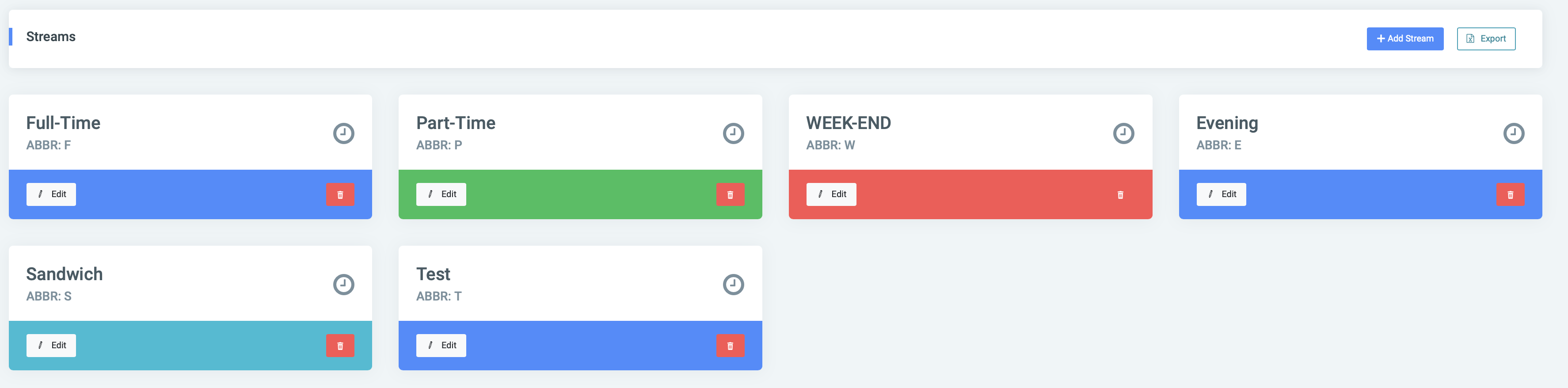
✑ To Edit a stream, click on the Edit button.
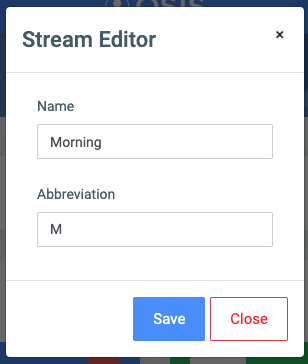
Change the old entries from the Stream Editor form and click on the Save button.
✑ To Delete a stream, click on the Delete button icon. 
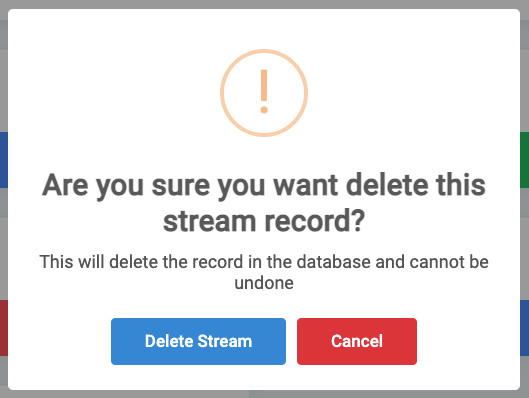
✑ Click on the Delete Stream button from the modal popup to confirm your actions.
☛ Select Export to export results to excel