
Positions & Awards
✑ Click on the Positions & Awards tab.
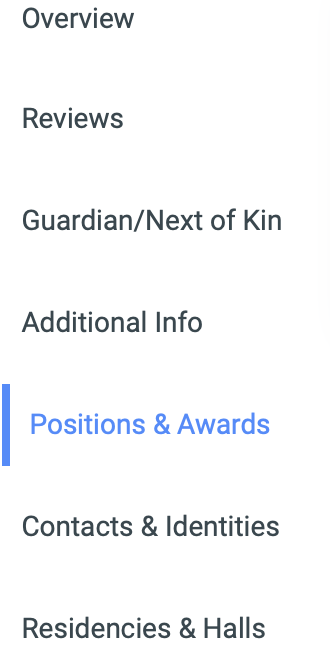
This tab has two(2) different display fields.

A. Positions: This is where students’ position in the institution can be added if any.

✑ To add a new Position click on the Add Position button. The Position Editor has the following fields;

- Name: Name of the position.
- Start Date: The start date of the position.
- End Date: The end date of the position if any.
✑ Click on Save Changes to confirm actions.
For each added Position, the user can Edit and Delete them.
✑ To Edit Position, click on the Edit button icon. 
Change the old entries from the Position Editor form and click on the Save Changes button.
✑ To Delete Position, click on the Delete button icon. 
✑ Click on the Delete Position button from the modal popup to confirm your actions.
B. Awards: This is where any award given to a student by the institution is recorded.

✑ To add a new Award, click on the Add Award button. The Award Editor has the following fields;

- Award Type: This a dropdown showing type of awards. Eg. Sport, Academic.
- Semester Awarded: This is a dropdown showing all available semesters. Select the semester in which the student received the award.
- Award Name: the name of the Award.
✑ Click on Save Changes to confirm actions.
For each added Award, the user can Edit and Delete them.
✑ To Edit Award, click on the Edit button icon.
Change the old entries from the Award Editor form and click on the Save Changes button.
✑ To Delete Award, click on the Delete button icon.
✑ Click on the Delete Award button from the modal popup to confirm your actions.