
Registration Status
This feature gives a report of the status count of all confirmed registration and unconfirmed registration based on the selected semester.
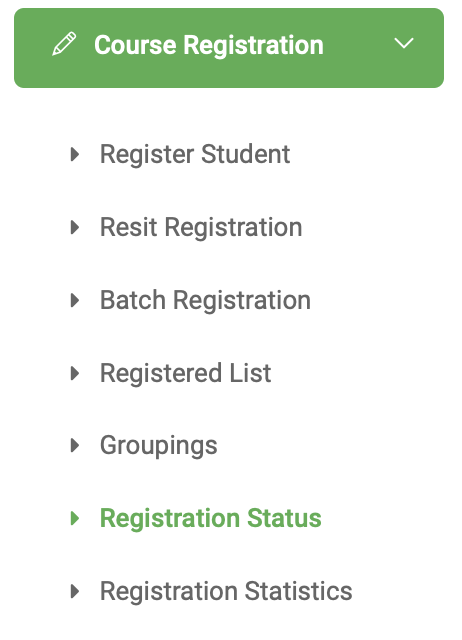
✑ From the OSIS sidebar, Click on the Registered Status link under Course Registration.

From the top of the registration status students page, there is a Print button for printing the status report and a dropdown list of all semesters.
✑ Choose Regular Registration Status, or Resit Registration Status From the Report type field to view the regular and resit registration Status reports of a semester.
✑ Click on the Semester from the dropdown to view the status of that semester below.
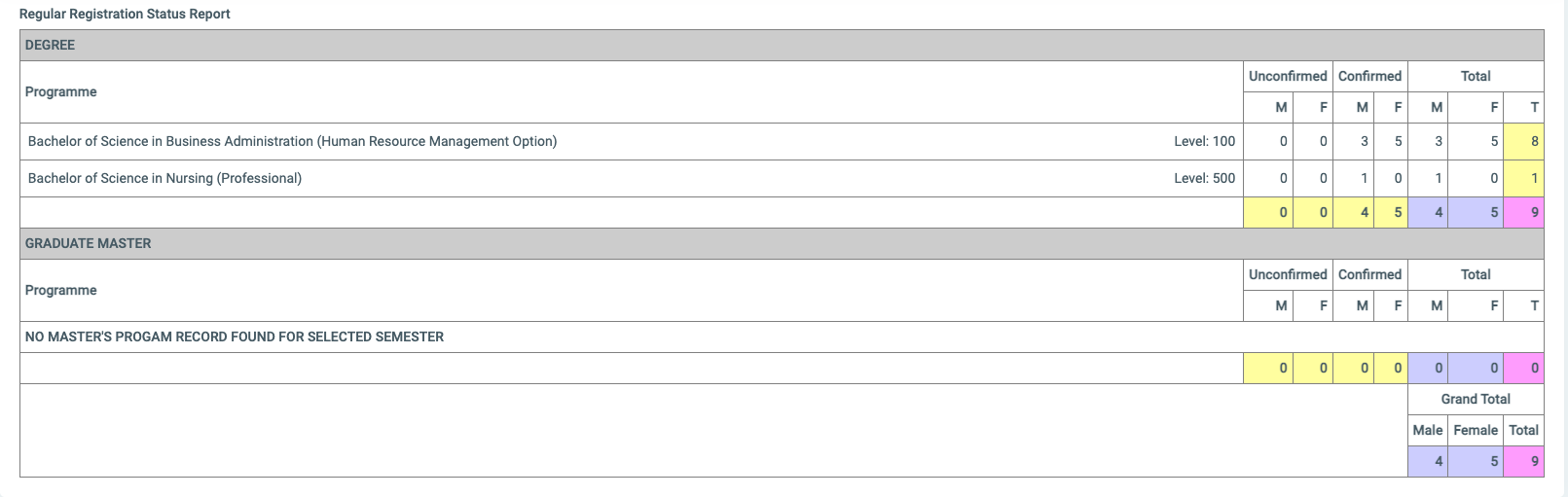
- M for Males
- F for Females
- T for Total